Networking
Monitor Networks for VM in Stack Console
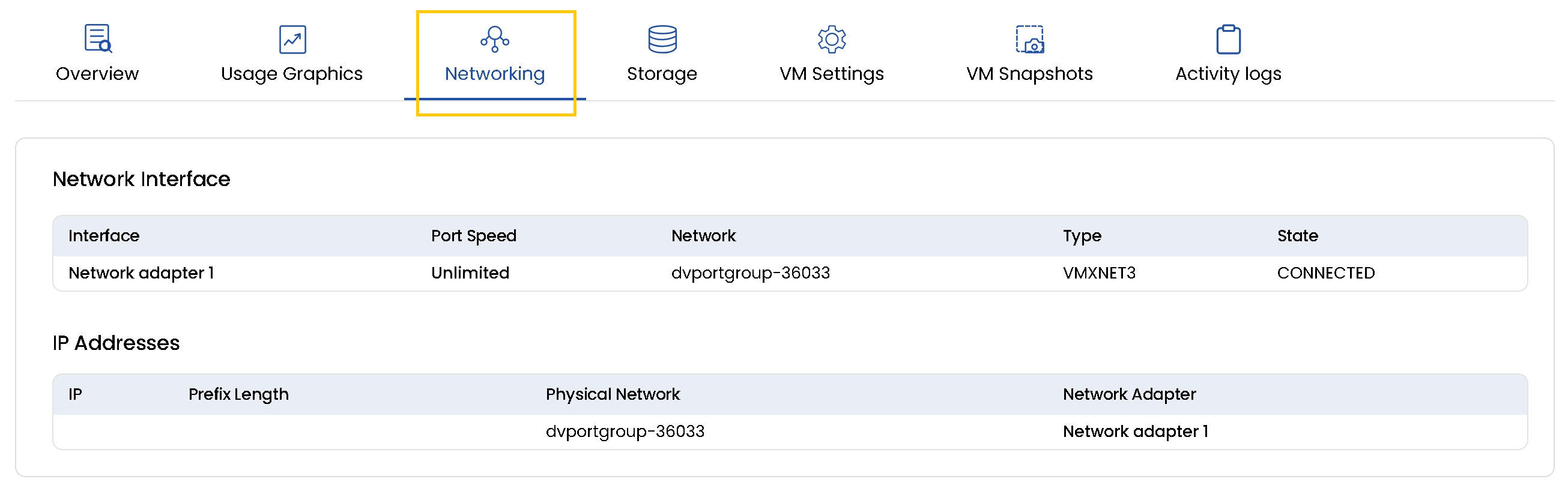
The Networking tab provides a comprehensive view of the network configuration and connectivity for a Virtual Machine Instance. It displays essential details such as network interfaces, connected networks, port speed, and assigned IP addresses helping you understand how your VM is connected within the infrastructure.
- To view networks for the instance, go to the Networking tab.
- You can track when a Network Interface was created, associated networks, port speed, and network type.
- You can also view the IP Addresses associated with the physical network and network adapter.